

Blog

Learn How to Create Viral AI Shorts for TikTok, Reels & Youtube Shorts. Discover Trending Formats and Step-by-Step Guides to Boost Engagement and Drive Organic Traffic In 2026 with Short-Form Content.
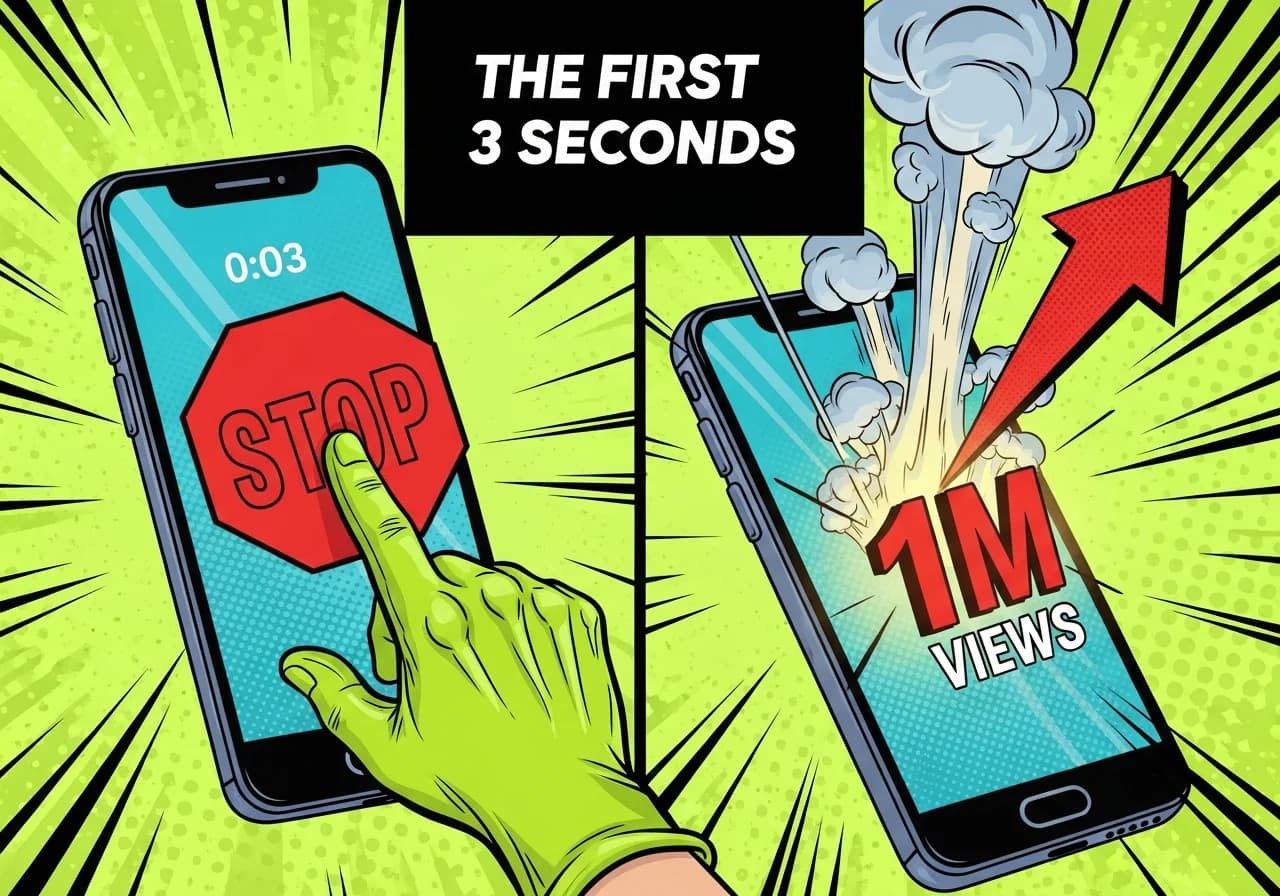
Cover Image for A dramatic split-screen image styled like a YouTube thumbnail: on the left, a hand frozen mid-swipe on a phone showing a vertical short paused at the 0:03 mark, a giant red STOP symbol overlaid; on the right, the same phone with a view counter exploding past 1 million, a bold red upward arrow, and the number glowing. Bold white text at the top reads 'THE FIRST 3 SECONDS'. High-contrast, urgent energy designed to make content creators feel FOMO and click immediately.

The First 3 Seconds: Hook Structures That Stop Scroll on Shorts

Most viewers swipe in under 3 seconds. Here are the exact hook structures top faceless creators use to stop the scroll on YouTube Shorts in 2026.
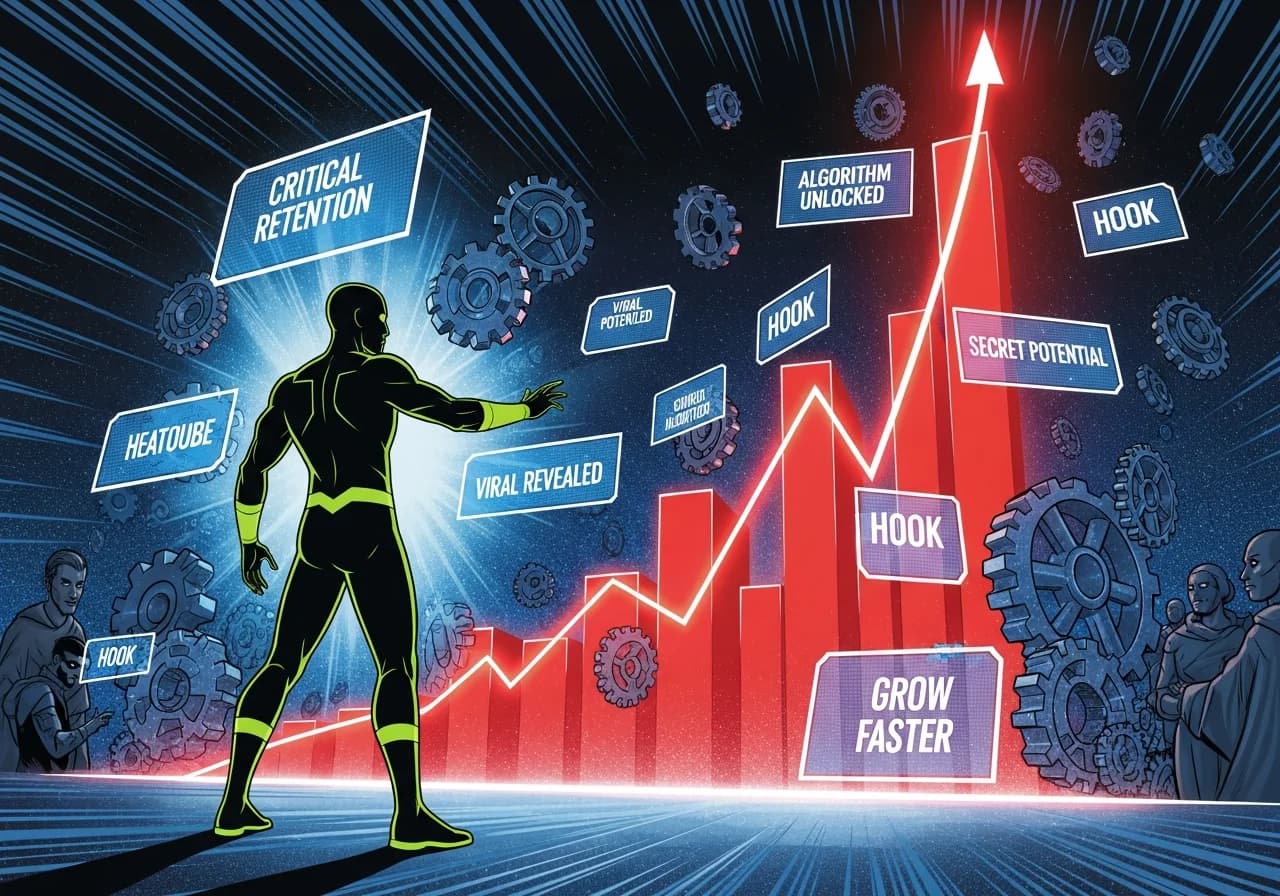
Cover Image for A silhouetted faceless creator figure standing before a massive glowing red retention graph shooting exponentially upward, surrounded by floating YouTube algorithm gears, hook text overlays on translucent screens, cinematic blue and red neon lighting, dramatic thumbnail energy, evoking the feeling of secret algorithm knowledge being unlocked for anonymous creators

YouTube Algorithm for Faceless Channels: Retention, Hooks & What Triggers Distribution

The youtube algorithm faceless channel creators ignore has hidden retention triggers. Here's what nobody talks about, and why your videos stop getting pushed in 2026.
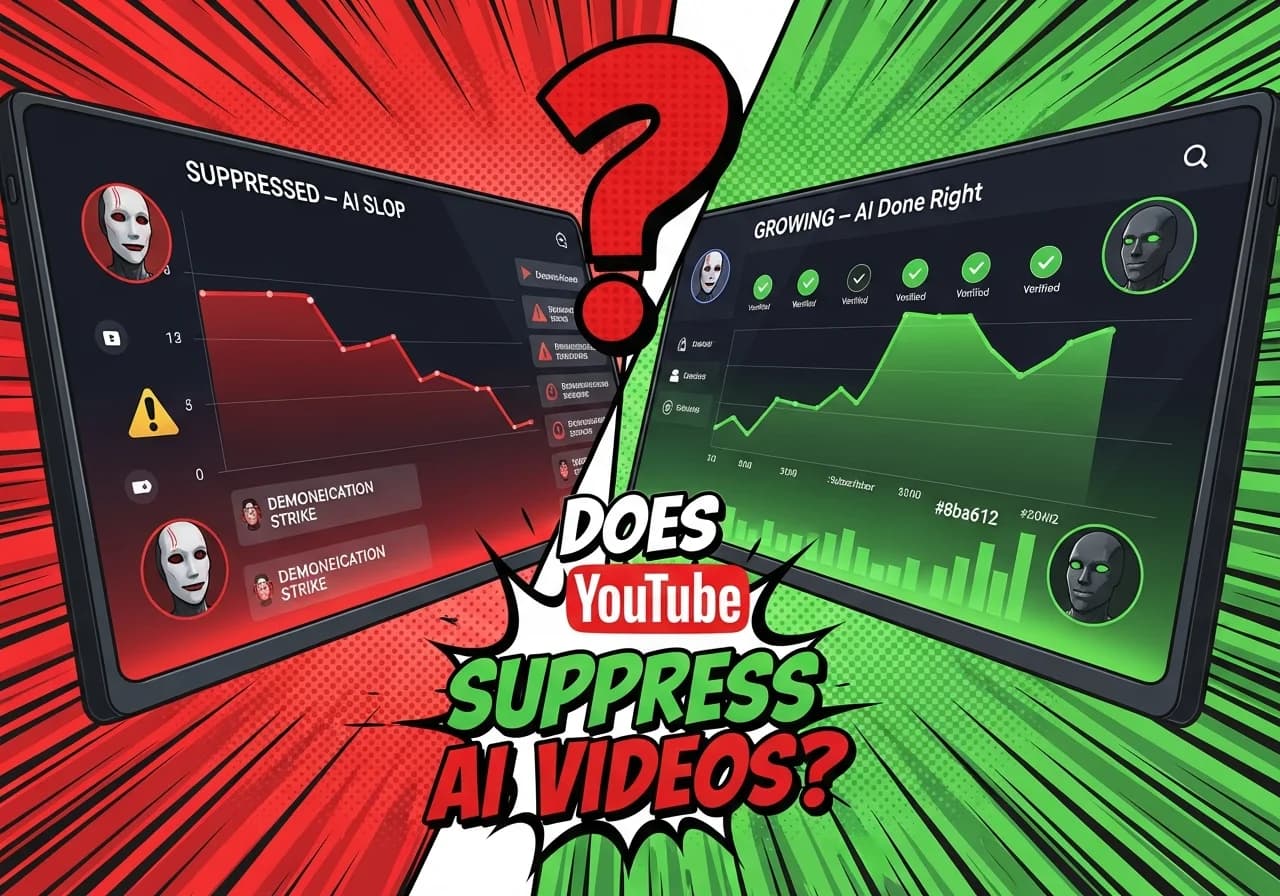
Cover Image for A split-screen YouTube analytics dashboard: on the left, a faceless AI channel with a plummeting red views graph labeled 'SUPPRESSED — AI Slop', showing warning icons and demonetization strikes. On the right, a thriving AI channel with an exponential green views curve labeled 'GROWING — AI Done Right', showing verified monetization badges and thousands of new subscribers. Bold text overlay reads: 'Does YouTube Suppress AI Videos?' with a large question mark, creating intense curiosity and FOMO for creators wondering if their AI content is being held back.

Does AI Content Get Suppressed on YouTube? Myth vs Reality

YouTube doesn't suppress AI videos by default — but here's exactly what it penalizes, and what separates AI channels making millions from those getting buried.
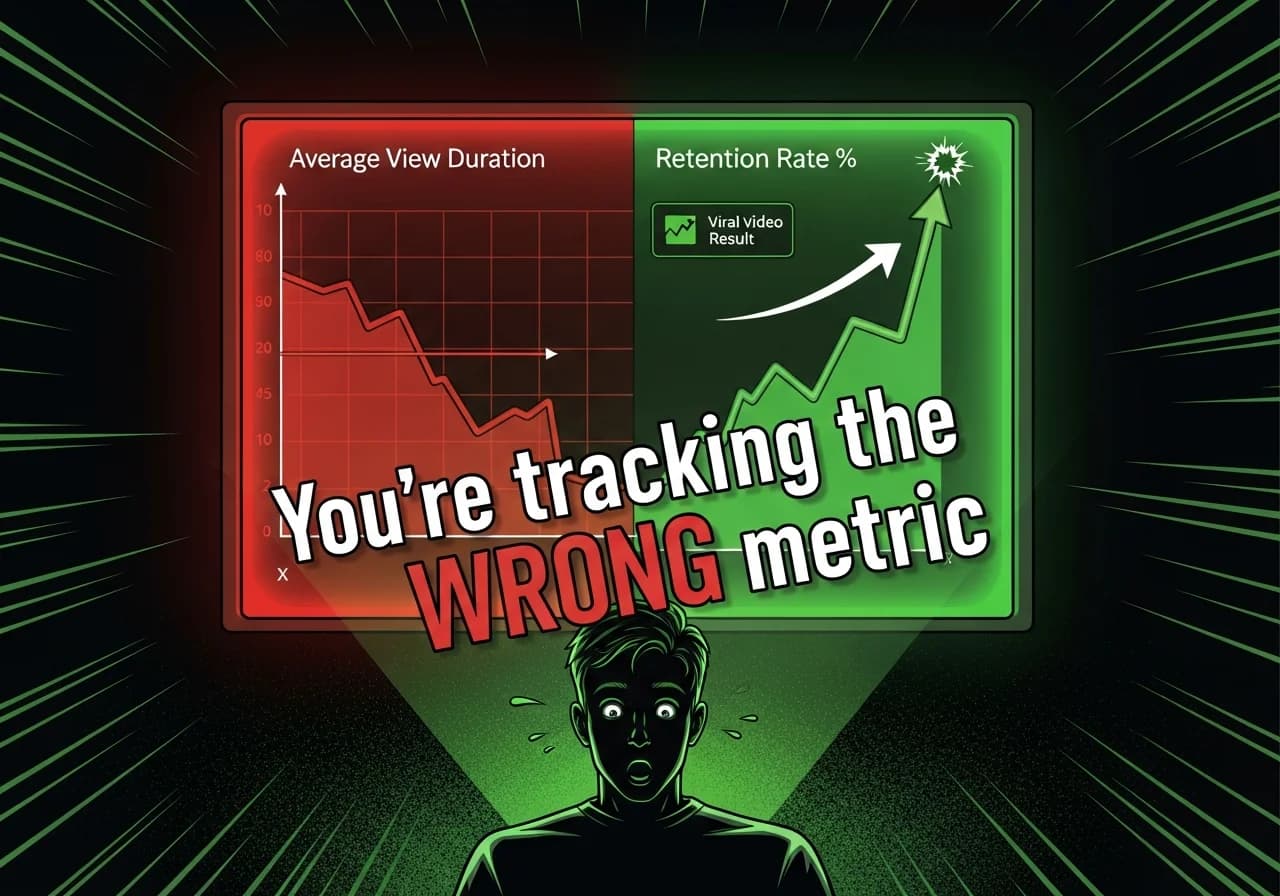
Cover Image for A dramatic split-screen YouTube analytics dashboard glowing on a dark background. On the left side, a red downward-sloping retention graph labeled 'Average View Duration' in seconds, looking flat and disappointing. On the right side, a bright green sharply upward-curving percentage retention graph labeled 'Retention Rate %' spiking upward with an arrow pointing to a viral video result. A shocked creator silhouette sits in front of the screen. Bold text overlay reads: 'You're tracking the WRONG metric.' The image feels urgent, curiosity-provoking, like a YouTube thumbnail designed to make creators stop scrolling immediately.

Average View Duration vs Retention Rate: What the Algorithm Actually Cares About

Most creators obsess over the wrong YouTube metric. Average view duration vs retention rate — here's which one actually drives distribution and how to fix yours fast.
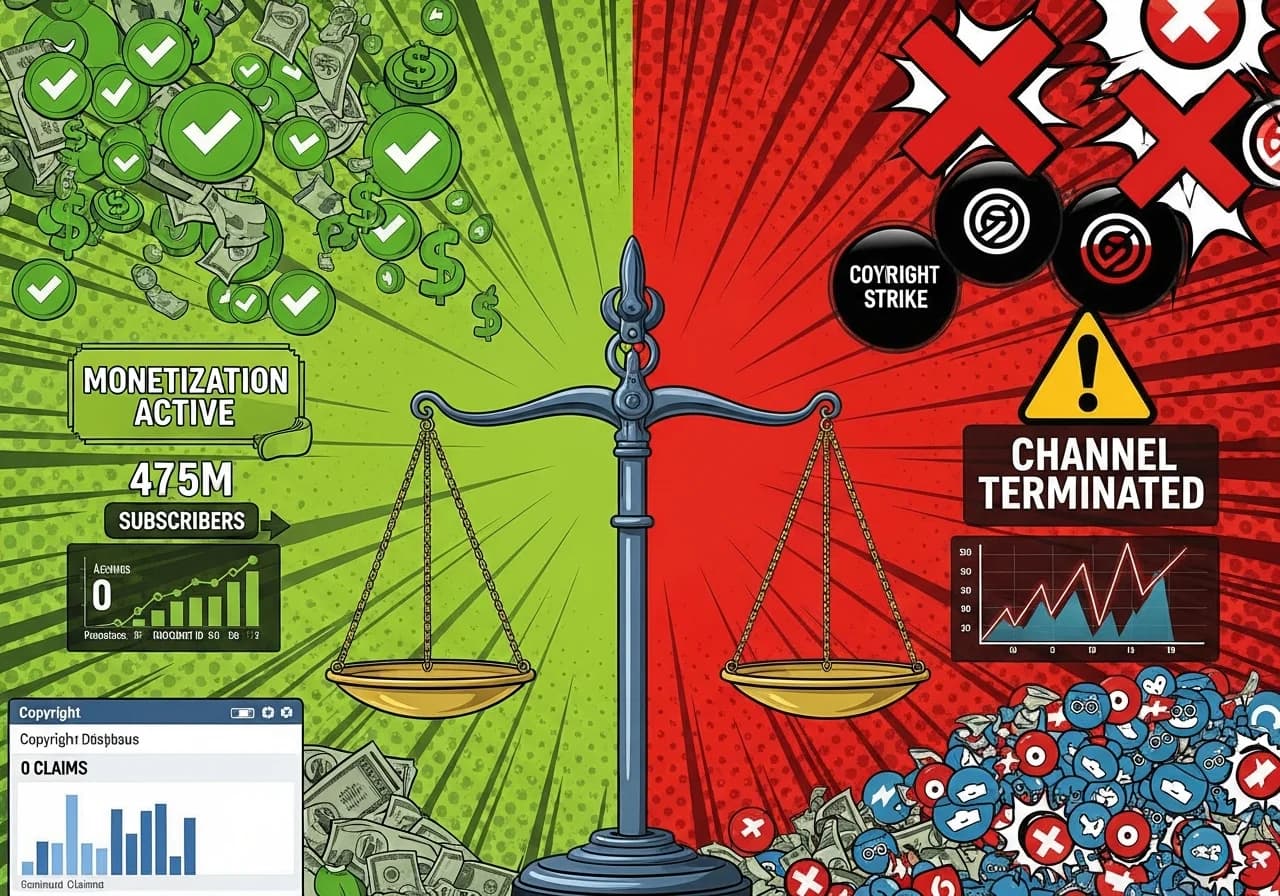
Cover Image for A dramatic split-screen visualization showing copyright consequences for faceless channels. Left side shows a thriving monetized channel: green checkmarks, dollar signs flowing, 'Monetization Active' badge, subscriber count rising, and clean copyright dashboard with zero claims. Right side shows a terminated channel: red X marks, three copyright strikes displayed prominently, 'Channel Terminated' warning, broken revenue graph dropping to zero, and Content ID claims flooding the screen. Center shows the dividing line as a scale of justice with copyright symbols, tipping from safe to dangerous. Background elements include: stock footage watermark being missed, copyrighted music waveform triggering Content ID, movie clip causing DMCA strike, and 'Fair Use' text with a red slash through it. Foreground shows a checklist of safe practices: YouTube Audio Library icon, Creative Commons badge, proper licensing documentation, and original content certificate. The image conveys the severe binary outcome: follow copyright rules and thrive, or ignore them and lose everything.

YouTube Copyright Mistakes That Kill Faceless Channels (Music, Clips, and 'Fair Use' Myths)

Three strikes terminates your channel permanently. Most faceless creators violate copyright unknowingly through stock misuse, music licensing errors, and fair use myths.
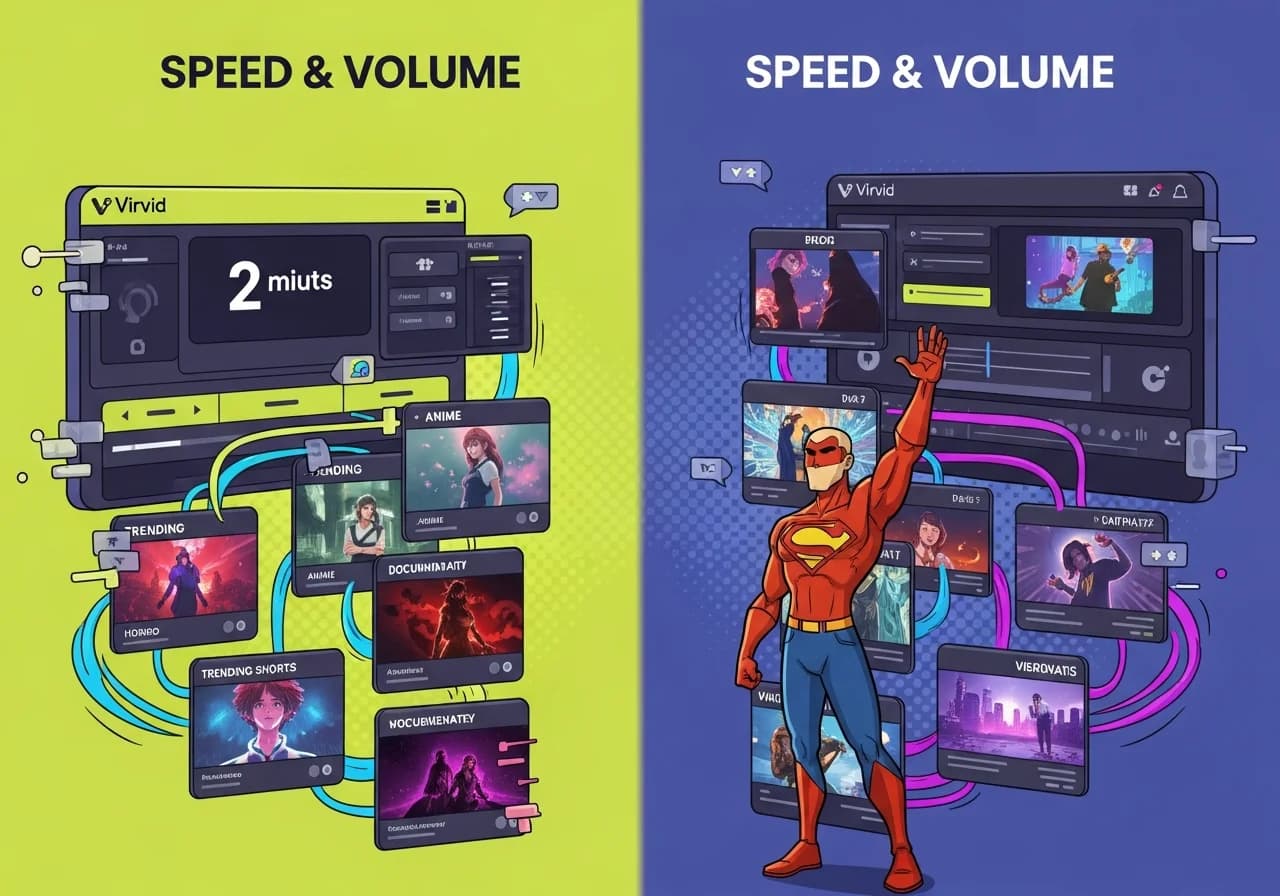
Cover Image for A split-screen visual showing two contrasting video production workflows. On the left, a fast-paced Virvid interface with a 2-minute timer counting down, trending Shorts formats (horror, anime, documentary styles) flowing rapidly through a production pipeline, with mobile-first vertical videos and dynamic captions. On the right, a more methodical Pictory workflow showing horizontal video templates, longer timelines, professional stock footage libraries, and polished marketing-style outputs. Between them, a scale balancing 'Speed & Volume' against 'Polish & Control'. The Virvid side glows with energetic neon colors and quick transitions, while the Pictory side has elegant, corporate aesthetics with refined details. Both show creator dashboards with video counts and revenue metrics.

Virvid vs Pictory: Script-to-Video for Faceless Channels (2026)

The speed vs polish battle: Virvid generates Shorts in 2 minutes with trending formats. Pictory takes 15+ minutes but offers better long-form structure. Which wins?
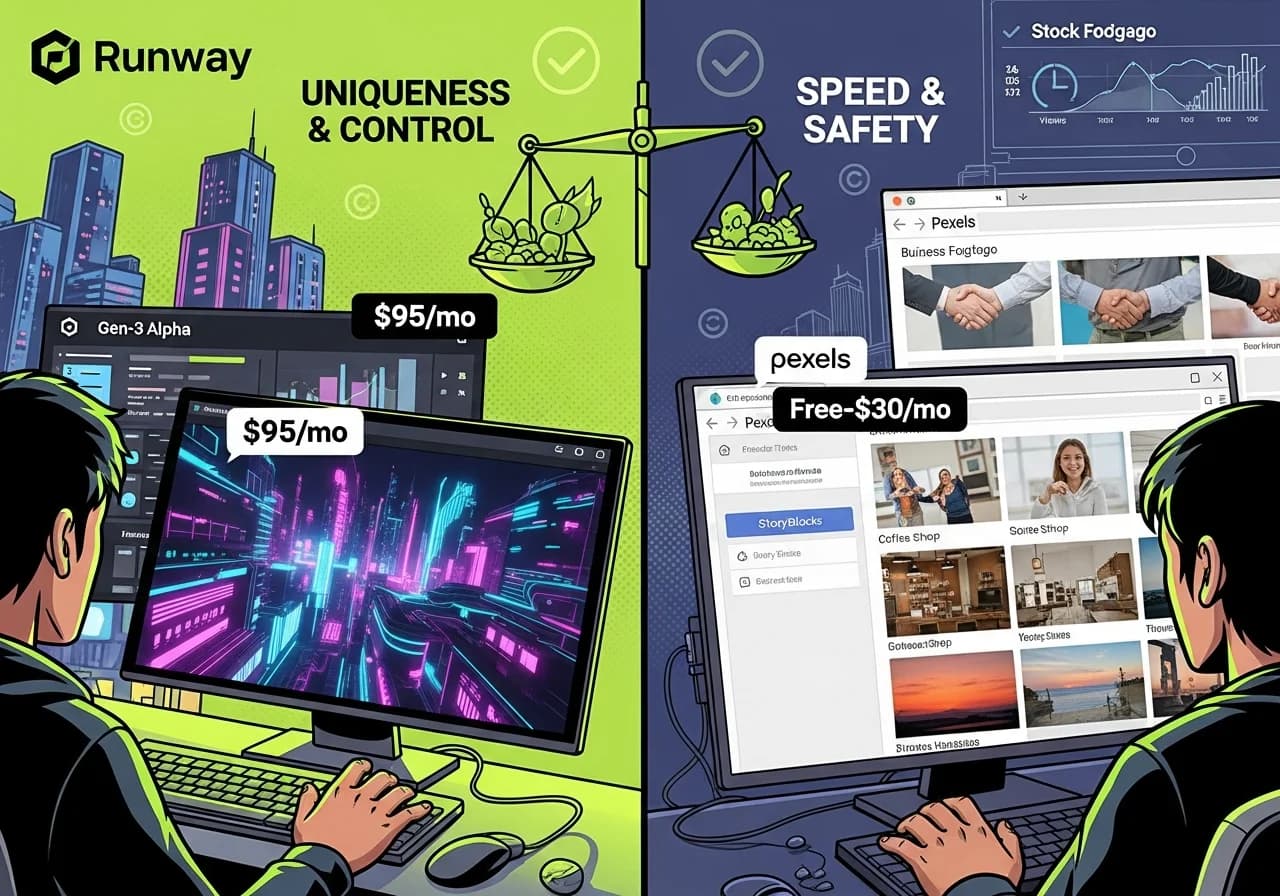
Cover Image for A dramatic split-screen comparison showing two video production workflows. On the left, a creator using Runway AI with a futuristic interface displaying custom-generated footage of a neon-lit cityscape morphing and animating, with 'Gen-3 Alpha' and '$95/mo' overlays, surrounded by unique otherworldly visuals impossible to find in stock libraries. On the right, a traditional stock footage workspace showing Pexels and Storyblocks browser tabs with generic business handshake clips, coffee shop scenes, and sunset timelapses, marked 'Free-$30/mo' but with obvious visual repetition. Between them, a scale balancing 'Uniqueness & Control' against 'Speed & Safety'. The Runway side glows with creative energy and custom animations, while the stock side shows efficiency but cookie-cutter sameness. Background elements include copyright checkmarks, render time clocks, and view count graphs showing different performance curves for unique versus generic content.

Runway vs Stock Footage: The Smartest Way to Get B-Roll for Faceless Videos

Runway costs $12-95/month for custom AI footage. Stock libraries start free but limit unique visuals. Here's when each approach actually scales for faceless channels.
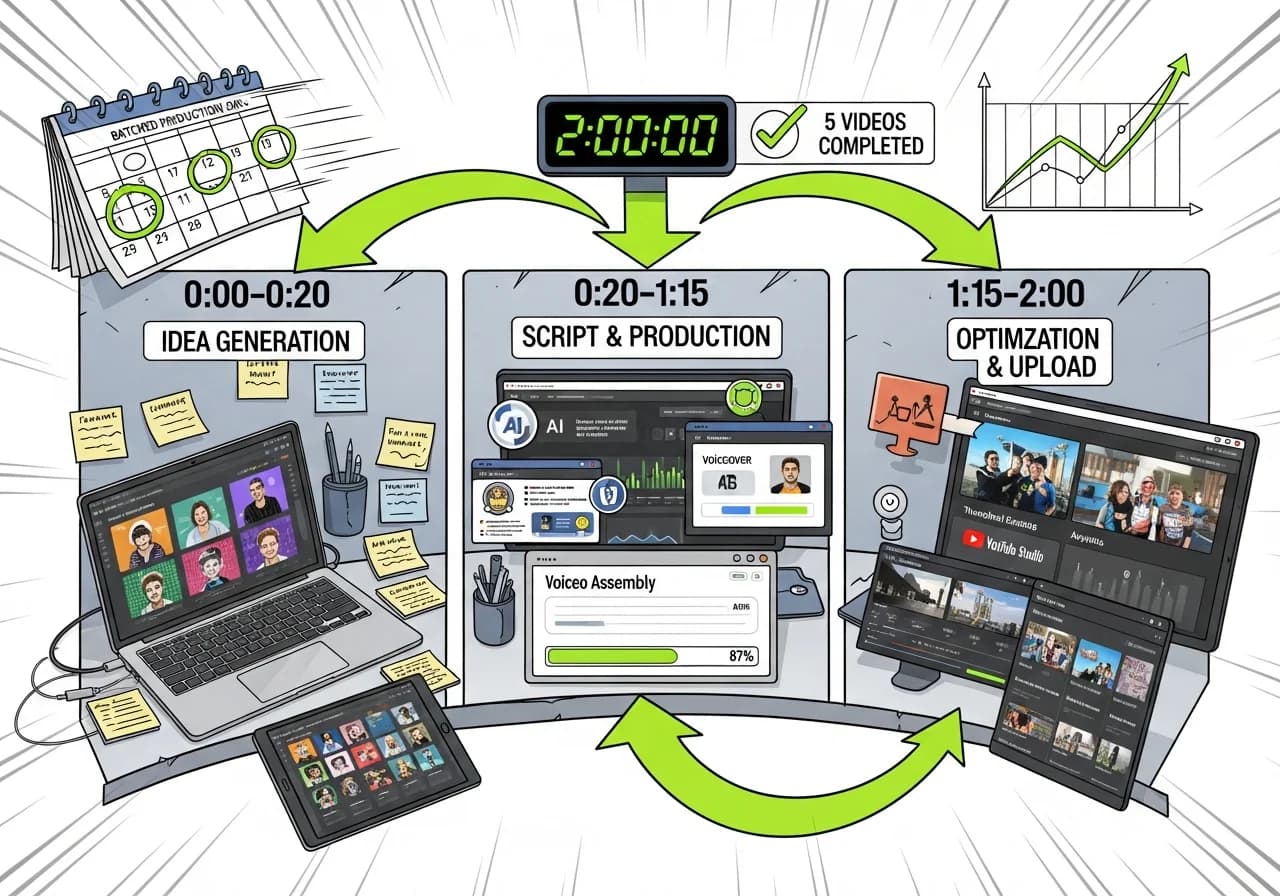
Cover Image for A bird's-eye view of an organized creator's workspace showing the complete 2-hour workflow visualized as a production assembly line. The desk is divided into clear time-block zones: left side shows '0:00-0:20 Idea Generation' with laptop displaying trending topics, sticky notes, and competitor analysis. Center shows '0:20-1:15 Script & Production' with AI tool interfaces generating scripts, voiceovers rendering, and video assembly progress bars at 87%. Right side shows '1:15-2:00 Optimization & Upload' with thumbnail variants being A/B tested, YouTube Studio upload interface, and analytics preview. Above the desk, a timer display shows '2:00:00' with a checkmark and '5 videos completed' counter. Visual flow arrows connect each stage. Background shows a calendar with batched production days circled, and a graph showing exponential growth from consistent posting. The image conveys systematic efficiency, organization, and scalable production that eliminates burnout through smart batching.

The 2-Hour Faceless Channel Workflow: From Idea to Uploaded Video

Most creators waste 6+ hours per video. This batch production system cuts it to 2 hours through strategic AI deployment and workflow optimization.
Cover Image for A detailed timeline visualization showing the realistic monetization journey for faceless YouTube channels. Left side shows Month 1-2: channel setup, first 10-15 videos uploaded, 50-200 subscribers, analytics dashboard showing low but growing metrics. Center shows Month 3-4: the breakthrough moment with 500-700 subscribers, watch time graph climbing toward 2,000 hours, one video going viral with 50K+ views, algorithm recommendation notification. Right side shows Month 5-6: hitting monetization thresholds with celebration badges for 1,000 subscribers and 4,000 watch hours achieved, YouTube Partner Program approval email, first AdSense payment notification. Top of image displays two parallel paths: Shorts path showing faster subscriber growth (10M views in 90 days, achieved Month 4) versus Long-form path showing steadier climb (4K hours, achieved Month 6). Background shows production volume indicators: 60-80 total videos uploaded, 3-4 videos per week consistency, retention rate improving from 35% to 55%. Bottom shows key milestones with timestamps and realistic expectations rather than overnight success myths.

How Long Faceless Channels Actually Take to Monetize (Realistic Timeline)

Most faceless creators hit monetization in 3-6 months with consistent uploads. Format choice affects speed: Shorts reach 10M views faster than long-form hits 4K hours.