

Virvid vs InVideo AI: Best Tool for Faceless YouTube Videos in 2026
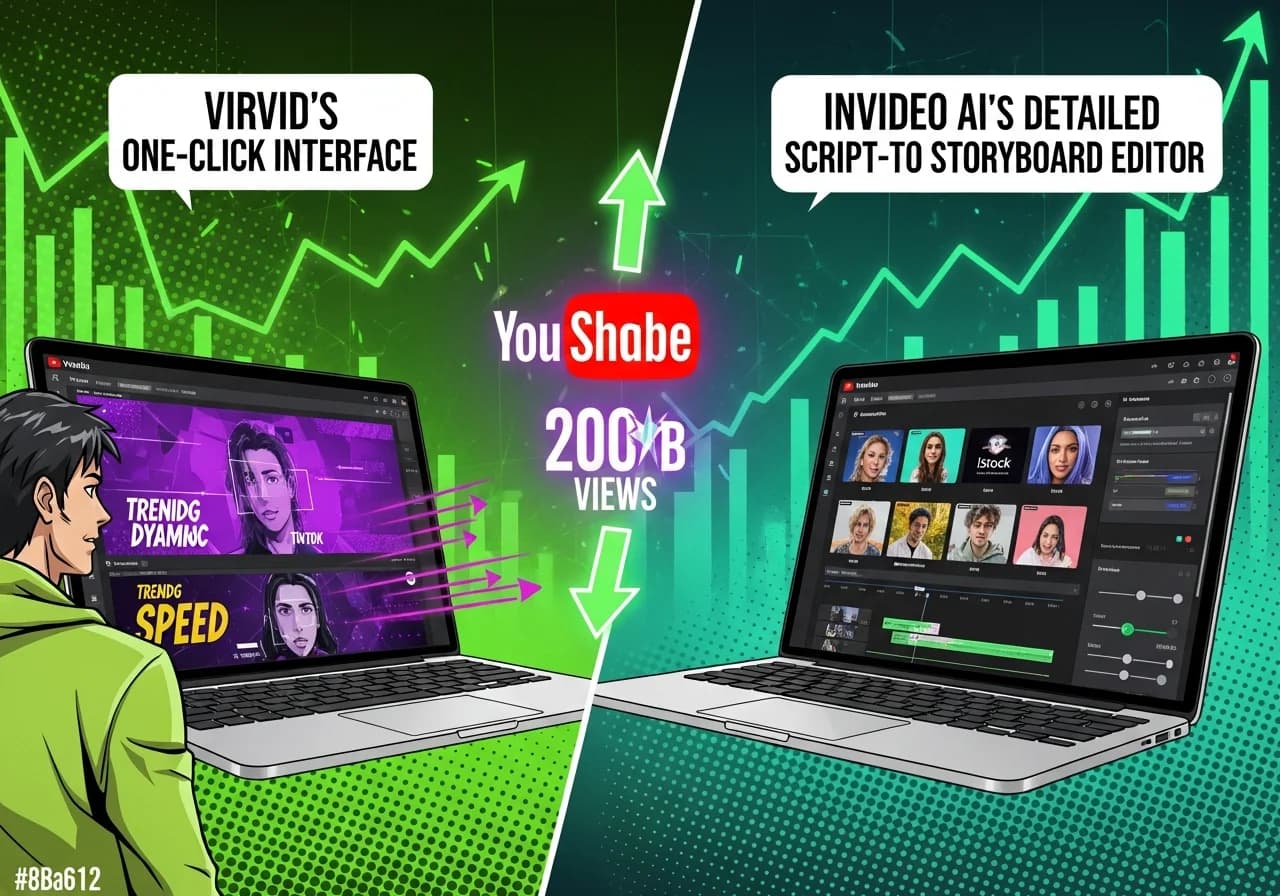
Virvid delivers one-click viral video generation with trending formats optimized for retention, while InVideo AI offers script-to-storyboard flexibility backed by OpenAI's Sora 2 partnership. This makes Virvid ideal for creators prioritizing speed and proven patterns, and InVideo AI better for hands-on editors wanting granular creative control.
As covered in our comprehensive faceless YouTube channel guide, choosing the right AI video tool can make or break your content strategy in 2026.
Table of Contents
- One-Click Generation vs Hands-On Editing
- Complete Tool Comparison Table
- InVideo AI Strengths and Weaknesses
- Why Virvid Dominates Viral Shorts
- Platform-Native AI Tools
- Avoiding the Mass-Produced Content Penalty
- Budget Options for Every Creator
- Choosing the Right Tool
One-Click Generation vs Hands-On Editing {#one-click-generation-vs-hands-on-editing}
The core difference between Virvid and InVideo AI comes down to workflow philosophy. According to reporting from TheWrap, YouTube Shorts hit 200 billion daily views in June 2025, a 186% increase from just 15 months earlier. With this explosion in short-form consumption, creators face a critical choice: optimize for volume and proven patterns, or customize each video from scratch.
Virvid treats viral success as engineering, not guesswork. You select a trending visual style (anime, cinematic, horror, UGC), pick an AI voice optimized for that format, and receive a complete retention-optimized video in under two minutes. The platform bakes in:
- Hook timing calibrated to prevent scroll-away in the first 3 seconds
- Pacing rhythms proven to sustain attention through completion
- Caption animations that drive higher retention rates
- Weekly trend analysis updating templates before formats become oversaturated
InVideo AI takes a script-first approach. You input prompts up to 32,000 characters, review AI-generated scripts, adjust auto-selected footage from 16 million+ media assets, then export. Reviews from Max Productive AI note this delivers impressive results for listicles and educational content but requires more refinement than Virvid's plug-and-play model.
Research from Zebracat's YouTube Shorts statistics shows 58% of faceless video creators report higher retention compared to traditional face-to-camera content. Format optimization matters more than ever, which is exactly where platforms like Virvid excel by removing guesswork from the equation.
Complete Tool Comparison Table {#complete-tool-comparison-table}
Here's how the major AI video platforms stack up for faceless YouTube content in 2025-2026:
| Tool | Monthly Price | Creation Method | Output Volume | Voice Quality | Best Use Case |
|---|---|---|---|---|---|
| Virvid | $19 Lite, $59 Standard | One-click trending formats | ~30-120 shorts | 30+ optimized voices, 20+ languages | Viral Shorts, minimal editing |
| InVideo AI | $25 Plus, $48 Max | Script-to-storyboard | 50-200 AI minutes | 50+ languages, voice cloning (2-5 clones) | Listicles, explainers, long-form |
| Pictory | $19 Starter, $29 Pro | Text/URL-to-video | 200-600 video mins | ElevenLabs integration (120 min Pro) | Blog repurposing, Getty access |
| Fliki | $21 Standard | Text-to-video | ~180 mins/month | 2,000+ voices, 80+ languages | Multilingual content |
| VEED | $12 Lite, $29 Pro | AI-assisted editing | Unlimited AI Studio | Native AI voices | Quick edits, 4K export |
| Kapwing | $16 Pro | AI + timeline editing | 1,000 credits/mo | 40+ language dubbing | Teams, collaboration |
| Synthesia | $18 Starter, $64 Creator | Avatar-based | 10-30 mins/month | 140+ languages | Corporate training, L&D |
| HeyGen | $24 Creator | Avatar-based | Unlimited videos | 1,000+ voices, unlimited cloning | Marketing, social content |
| Descript | $16 Hobbyist, $24 Creator | Text-based editing | 10-30 media hours | 35+ avatars, 25+ stock voices | Podcasters, text editing |
| Lumen5 | $19 Basic, $59 Starter | Blog-to-video | Unlimited | Basic AI voiceover | Social media teams |
| YouTube Veo 3 | Free (native) | Text-to-video in Shorts | 8-sec clips only | AI-generated audio | Quick enhancements |
| Clipchamp Free | $0 | Timeline editing | Unlimited 1080p | Azure text-to-speech | Budget creators |
Per-video cost analysis:
- Virvid Lite: ~$0.63 per short ($19 ÷ 30 videos)
- InVideo AI Plus: ~$1-2.50 per short depending on length ($25 ÷ 10-25 videos)
- Pictory Pro: ~$0.05 per minute ($29 ÷ 600 minutes)
For creators building faceless channels across multiple niches (as covered in 20 Profitable Faceless YouTube Niches), volume economics matter significantly. Virvid's pricing structure rewards high-output strategies.
InVideo AI Strengths and Weaknesses {#invideo-ai-strengths-and-weaknesses}
InVideo AI earned its reputation through some genuinely impressive capabilities. The platform's October 2025 partnership with OpenAI made it the first official partner for global Sora 2 access, meaning creators can generate photorealistic, cinematic video from text prompts without geographic restrictions.
What InVideo AI does exceptionally well:
- iStock integration: 80 premium assets monthly (Plus) or 320 (Max) provide stock quality unavailable on competitors
- Magic Box editing: Type natural language commands like "make the transition faster" after initial generation
- Script-to-visual matching: Automatically selects footage from 16 million+ media library based on narration context
- Voice cloning: 2 custom voice clones (Plus) or 5 (Max) for brand consistency across videos
- Long-form capability: Better suited for 5-15 minute explainers than pure Shorts platforms
According to InVideo's help documentation, each iStock asset counts against monthly quota even when reused, requiring strategic asset management for creators publishing frequently.
Where InVideo AI falls short:
- Generic AI scripts: User reviews on MobileAppDaily consistently mention scripts need substantial rewriting to avoid sounding robotic
- Footage mismatch: AI sometimes selects visuals that don't match narration (sailboat for "navigating challenges")
- Quota limitations: 50-200 AI minutes can feel restrictive for daily Shorts posting
- Steeper learning curve: More friction between idea and published content compared to one-click alternatives
For creators comfortable spending 15-30 minutes refining each video, InVideo AI delivers professional results. For those wanting to publish daily without becoming video editors, platforms like Virvid eliminate that friction entirely.
Why Virvid Dominates Viral Shorts {#why-virvid-dominates-viral-shorts}
Virvid's innovation centers on treating virality as a science rather than creative mystery. Each trending template represents analyzed patterns from successful content, the exact hook timing, pacing rhythm, and caption animations that drive completion rates.
How Virvid's system works:
- Trending format library: 20+ visual styles (anime, cinematic, horror, UGC) updated weekly as new aesthetics gain traction
- Retention-optimized hooks: Templates encode the first 3-second patterns that prevent scroll-away
- Voice-format pairing: 30+ ultra-realistic voices optimized for specific content types (storytelling voices differ from educational voices)
- Batch generation: Standard tier's 800 credits (~120 shorts monthly) supports aggressive posting schedules
- Consistent character support: Maintains visual coherence across entire video for seamless storytelling
The platform's free AI video script generator provides trending-format scripts that integrate directly into the main generation pipeline, eliminating the blank-page problem many creators face.
Why this matters for YouTube's algorithm:
YouTube heavily weights retention signals. Videos holding viewers through the first 3 seconds see dramatically higher distribution. Research using EEG brain monitoring found that viewers intuitively identify "obvious AI" content, perceiving it as less engaging. Virvid's focus on retention psychology, not just generation speed, directly addresses this perception gap.
For creators following strategies outlined in our complete faceless YouTube guide, the difference between generic AI output and retention-optimized content determines whether channels reach monetization thresholds or stall at a few thousand views.
Platform-Native AI Tools {#platform-native-ai-tools}
YouTube's September 2025 integration of Veo 3 into the Shorts camera introduces a free option worth understanding. According to TechRadar's coverage, the feature generates 8-second video clips at 480p from text prompts, including AI-generated sound effects.
Veo 3 capabilities:
- Available in US, UK, Canada, Australia, New Zealand
- 8 seconds maximum length
- 480p resolution
- AI-generated ambient audio and sound effects
- Automatic "AI-generated" labels and SynthID watermarks
Practical limitations:
- Too short for complete Shorts (most perform best at 30-60 seconds)
- Lower resolution than 1080p standard
- No full dialogue capabilities
- Mandatory AI disclosure labeling
Veo 3 works best as a supplementary tool for adding quick visual elements, an animated intro, a visual metaphor, then combining with longer content from dedicated platforms. It's not a replacement for complete video production workflows.
All Veo 3 content receives automatic disclosure labels per YouTube's May 2025 mandatory requirements. For creators concerned about authenticity perception, this creates branding considerations that purpose-built tools avoid.
Avoiding the Mass-Produced Content Penalty {#avoiding-the-mass-produced-content-penalty}
YouTube's July 2025 policy update targeting "inauthentic" content demands attention from anyone using AI tools. Medium's breakdown of the policy clarifies that YouTube specifically targets "AI slop," channels uploading slideshow-style videos with AI voiceovers over stock images, lacking meaningful human contribution.
What triggers the penalty:
- Uploading raw AI output without editorial refinement
- Creating only superficial differences between videos (topic swaps in identical templates)
- Publishing mass-produced content that lacks unique perspective
- Generating videos purely from prompts with zero human contribution
How to stay compliant:
- Add genuine commentary or unique perspective to AI-generated narratives
- Ensure substantive differences between videos beyond simple topic changes
- Combine AI-generated elements with original creative direction
- Apply editorial judgment rather than publishing raw AI output
- Treat AI as efficiency tool, not complete replacement for creative input
Research found that consumers intuitively identify most AI-generated content, perceiving it as less engaging compared to human-created alternatives. Even technically competent AI visuals triggered weaker memory activation in viewers' brains.
Platforms like Virvid help avoid these penalties by providing varied trending formats rather than cookie-cutter templates. The weekly template updates ensure videos don't all follow identical patterns, a critical differentiator as YouTube's detection systems become more sophisticated.
For deeper monetization strategies beyond ad revenue, check out 7 Revenue Streams for Faceless Channels to diversify income beyond platform algorithms.
Budget Options for Every Creator {#budget-options-for-every-creator}
You don't need expensive tools to start. Here's how to build faceless content at different price points:
$0-5/month Budget Stack:
- Microsoft Clipchamp Free: Unlimited 1080p exports, no watermark
- ElevenLabs Starter: $5/month for 30 minutes of industry-leading AI voice with commercial licensing
- Total cost: $0-5/month for professional-grade output
This combination works for creators validating concepts before investing in specialized AI generation tools. You handle editing manually in Clipchamp but get excellent voice quality from ElevenLabs.
$20-30/month Mid-Tier:
- Fliki Standard ($21/month): Largest voice library with 2,000+ voices across 80+ languages, ideal for multilingual strategies
- Pictory Professional ($29/month): Getty Images and Storyblocks access plus ElevenLabs integration (120 minutes monthly), strong for repurposing blog content
Both options provide solid text-to-video generation without Virvid's specialized viral optimization or InVideo's advanced scriptwriting features.
$19-59/month Viral-Optimized Production:
- Virvid Lite ($19/month): ~30 retention-optimized shorts monthly, sweet spot for creators prioritizing algorithmic performance
- Virvid Standard ($59/month): ~120 shorts monthly, supporting daily posting across multiple channels
The economics favor Virvid for volume: at $0.63 per video (Lite tier), you can test multiple niches simultaneously without breaking the bank. Compare this to hiring freelancers at $50-200 per video.
Tool Selection Framework:
- Testing phase (0-100 subscribers): Free stack or Virvid Lite to validate niche fit
- Growth phase (100-10K subscribers): Virvid Standard for daily posting consistency
- Scale phase (10K+ subscribers): Multiple tools based on content type (Virvid for Shorts, InVideo for long-form)
For creators monetizing through affiliate partnerships, the Virvid affiliate program offers 30% recurring revenue for life, a solid passive income stream as you build your channel.
Choosing the Right Tool {#choosing-the-right-tool}
The faceless YouTube landscape in 2026 rewards specialization. Broad-purpose tools require developing expertise across scripting, visual selection, pacing, and retention optimization. Purpose-built tools collapse these requirements into single-click generation.
Choose InVideo AI if you:
- Enjoy scriptwriting and want granular control over narrative
- Need specific stock footage unavailable elsewhere (iStock integration)
- Create documentary-style content requiring precise visual matching
- Have 15-30 minutes per video to refine AI-generated drafts
- Prioritize creative flexibility over production speed
Choose Virvid if you:
- Want proven viral formats without reverse-engineering what works
- Prioritize posting volume and consistency over per-video customization
- Create quiz channels, story compilations, motivation content, ranking videos
- Need batch creation capabilities for aggressive posting schedules
- Value retention optimization over granular creative control
Consider alternatives like:
- HeyGen/Synthesia: Avatar-based presentation (different from true faceless content)
- Pictory: Content repurposing from existing blog/written assets
- Descript: Text-based editing for podcasters adding video distribution
- Fliki: Multilingual content strategies requiring massive voice libraries
The core question isn't which tool has more features, it's which tool removes the most friction between your ideas and published content that resonates with audiences. For viral Shorts success with minimal editing, the data points clearly toward tools that encode proven patterns rather than requiring you to discover them through trial and error.
For creators building across multiple platforms, understanding faceless vs face camera YouTube growth helps inform strategy decisions beyond just tool selection.
Conclusion
The AI video creation market has evolved past novelty into genuine utility differentiation. InVideo AI excels as a creative environment for hands-on editors willing to invest time refining AI-generated drafts, its OpenAI Sora 2 partnership and 16 million+ media assets deliver capabilities unmatched for documentary-style content.
Virvid wins for creators who want retention-optimized output without becoming video production experts. Its trending format templates and one-click generation eliminate the gap between concept and completion, encoding proven viral patterns into every output.
With YouTube Shorts generating 200 billion daily views and platform policies cracking down on mass-produced content, optimization quality matters as much as generation speed. Tools that encode retention psychology into their output deliver sustainable advantage in an increasingly competitive attention economy.
Start with your creation philosophy: if you view video as a distribution mechanism for ideas, optimize the idea (Virvid). If you view video as a craft to refine, optimize the production process (InVideo AI). Both paths work, just pick the one that matches how you actually want to spend your time.
Ready to start? Explore our complete faceless YouTube channel guide for the full roadmap to building a profitable channel in 2026.