

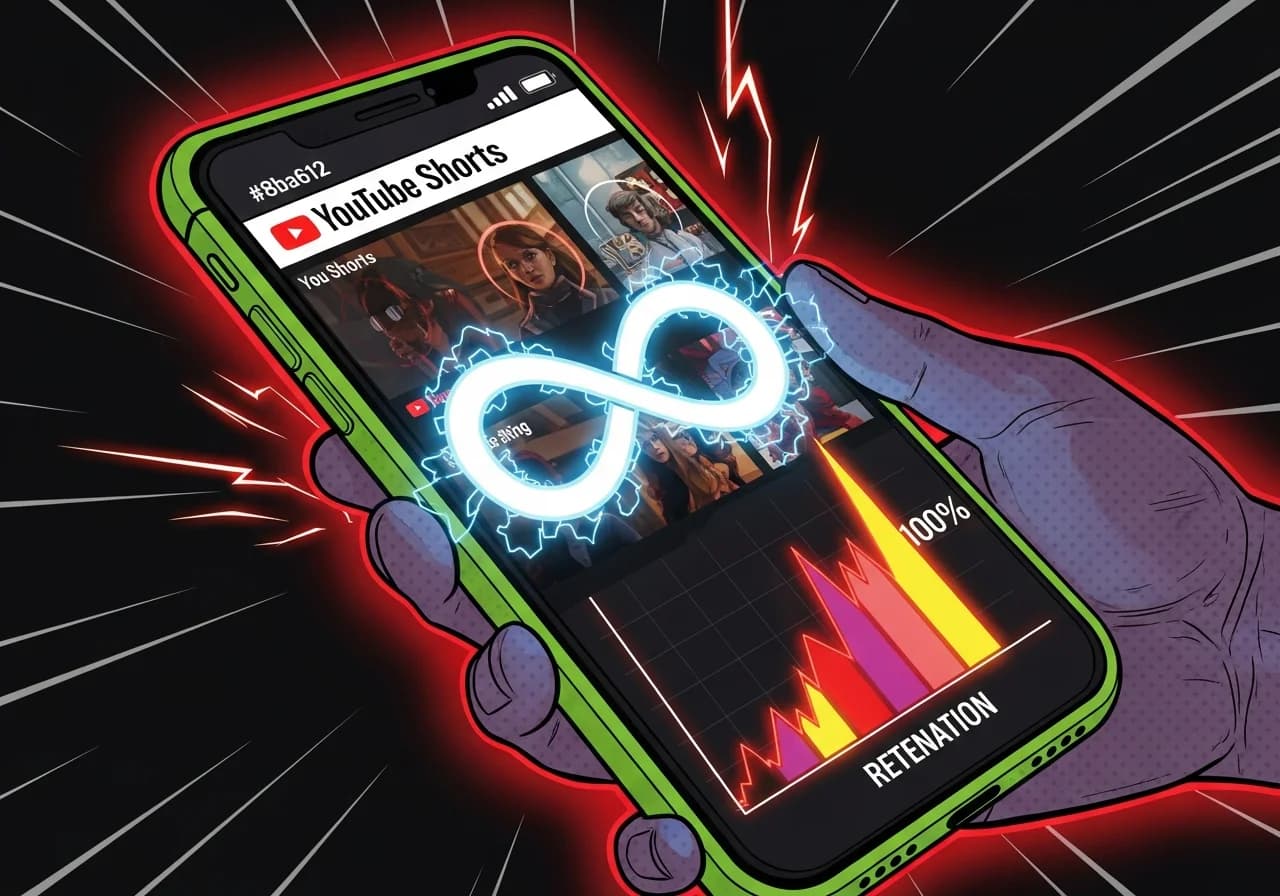
Looping Structure: The Hidden Retention Trick in Viral Shorts
A looping Short is a video engineered so its ending flows invisibly back into its beginning, tricking viewers into rewatching it without realizing the video already ended.
Table of Contents
- Why Looping Is a Distribution Signal, Not Just a Style
- The Anatomy of a Seamless Loop
- Retention Above 100%: What It Means and Why It Matters
- How to Build a Loop Into Your Script (Step by Step)
- Looping in Faceless Videos: Why It Works Even Better
- Common Mistakes That Break the Loop
Why Looping Is a Distribution Signal, Not Just a Style
Most creators think looping is a nice-to-have, something aesthetic you do when the video's topic fits. That's wrong. Looping is a direct algorithmic lever, and one of the most underused ones.
Here's why: as of March 31, 2025, YouTube updated how views are counted for Shorts. Every loop or replay of a Short now counts as an additional view. That means a viewer who watches your 20-second Short three times in a row generates three views, not one. If that happens at scale, your view count inflates fast, and so do your engagement signals.
According to Zebracat's 2025 Shorts statistics, the average retention rate for Shorts sits at 73%, well above the 52% average for long-form content. But looping Shorts don't just hit 73%; they routinely push past 100% retention in YouTube's own analytics, because segments get rewatched within a single session. YouTube even acknowledges this in its documentation, noting that "the absolute views for a segment can exceed your video's overall view count" when the same viewer replays portions.
The algorithm reads repeat viewing as a strong quality signal. A Short that loops sends YouTube the message: viewers wanted more. And YouTube responds by showing it to more people. This is covered in more depth in the YouTube Algorithm for Faceless Channels: Retention, Hooks & What Triggers Distribution pillar guide, which explains the full picture of how distribution decisions get made.
The Anatomy of a Seamless Loop
Not all loops are the same. The difference between a video that accidentally restarts and one that pulls the viewer back in is intention. Here's how the best looping Shorts are structured:
| Loop Element | What It Does | Example |
|---|---|---|
| Callback hook | Ending line echoes the opening question | "So, did you catch it the first time?" |
| Visual match cut | Last frame matches the first frame visually | Same background, same character position |
| Audio continuity | Music or ambient sound continues across the loop point | Seamless beat with no silence gap |
| Cliffhanger reversal | Ending creates urgency to rewatch the start | "The answer was actually in the first second" |
| Open question close | Ending poses a new question that the opening "answers" | "But wait — rewatch the beginning..." |
The most powerful loops combine at least two of these. The verbal callback plus the visual match cut is the classic combo. Hootsuite's 2025 algorithm breakdown confirms that looping Shorts consistently earn more recommendations than those with lower replay rates, regardless of total length.
Narrative Loop vs. Visual Loop
There are two flavors. A narrative loop means your script ends in a way that makes viewers want to hear the opening line again, usually because the ending recontextualizes it. A visual loop means your final frame is nearly identical to your opening frame, creating a seamless cut when the video restarts.
The best-performing Shorts often use both. But if you're starting out, narrative loops are easier to write and work across any format, including faceless voiceover videos where you have no physical movements or camera cuts to match.
Retention Above 100%: What It Means and Why It Matters
When you see a retention percentage over 100% in YouTube Studio, it's not a bug. It means portions of your video were rewatched within single sessions, pushing segment view counts above the total view count.
OpusClip's data-backed analysis of Shorts length and retention notes that the highest-performing Shorts have a "loop quality where the ending flows naturally back to the beginning, encouraging replays," and that even a 10% replay rate can meaningfully boost distribution.
The numbers to target:
- Completion rate above 60% for Shorts under 30 seconds
- Intro retention (viewers past second 3) above 70%
- Replay rate: anything above 10% is excellent, 20%+ is rare and highly rewarded
If your Short is looping well, you'll see your average view duration creeping toward or above your video's runtime. That's the signal you want. Check your retention graphs in YouTube Analytics to spot whether loops are happening. A flat or rising curve near the end of the video, rather than the typical sharp dropoff, is a strong indicator.
"The final frame should leave viewers wanting to catch something they missed or experience the satisfaction again. Replays are weighted heavily by the algorithm because they signal exceptional engagement." — OpusClip, November 2025
How to Build a Loop Into Your Script (Step by Step)
This is where most creators stop reading and start actually doing something different. Here's the practical process:
- Write your ending first. Decide how you want the Short to land, then write backward to ensure the opening sets it up.
- Make your opening a question the ending revisits. Something like "What if I told you most creators miss this?" and then at the end: "Go back and look at the first frame — you'll see it now."
- Keep it under 25 seconds. Zebracat's 2025 data shows that videos between 20–25 seconds have the highest completion rates. The shorter the Short, the more invisible the loop transition feels.
- Match your final visual to your opening frame. Even a subtle match, same background color, same camera angle, signals continuity.
- Cut your CTA. A three-second "follow for more" at the end of a 20-second Short is 15% of your runtime and it breaks the loop entirely. If you need a CTA, put it in the caption.
- Add a callback phrase. Repeat a specific word or idea from your hook in your last line. It creates a satisfying sense of closure that paradoxically makes people rewatch.
- Test it by looping it yourself three times. If the restart feels jarring, your ending needs work.
If you want to speed up this process significantly, a free YouTube Shorts script generator can draft structured scripts with built-in hook and ending logic, so you're not starting from a blank page every time.
Looping in Faceless Videos: Why It Works Even Better
Faceless Shorts have a structural advantage when it comes to looping: there's no face, no body language, no physical continuity cue to tell a viewer that the video has ended and restarted.
When someone watches a talking-head video, the presenter's movements and expressions make the loop point obvious. The viewer sees the person "reset" and knows the video is repeating. With a faceless voiceover Short, especially one built on still images or AI-generated visuals, the transition back to frame one feels invisible. The voiceover just continues. The visuals just shift. Many viewers don't even register they've rewatched.
Nearly 58% of YouTube Shorts creators producing faceless videos reported higher retention rates in 2025, with voiceover-driven content becoming increasingly mainstream for scalable, algorithm-friendly production. Loop structure amplifies this advantage further.
Platforms like Virvid are built specifically for this use case, letting creators generate faceless Shorts with trending voiceover styles, AI visuals, and music pairings that are designed to maximize engagement without ever showing their face. The combination of faceless format plus intentional loop structure is one of the most underutilized plays in short-form video right now.
For more on why faceless channels can struggle if the structure isn't right, see why YouTube stops pushing faceless videos — loop-breaking endings are one of the most common culprits.
Common Mistakes That Break the Loop
Even creators who understand the theory often make a few structural errors that undo the loop effect:
- Ending with a hard stop. If your last word is a period and the visual goes black for even half a second, the loop is broken. End mid-energy, not mid-sentence but mid-momentum.
- Using a static final frame. A freeze frame at the end cues the viewer that the content is over. Keep motion going through the last frame.
- Over-explaining the ending. If your last 5 seconds are "so that's why you should always do X, thanks for watching, follow me for more," you've replaced the loop with a goodbye. Viewers exit.
- Mismatched audio at the loop point. If your background music has a clear ending note, viewers hear the reset. Use royalty-free tracks that fade in and out cleanly, or loop naturally.
- Making the Short too long. Shorts over 35 seconds rarely loop effectively. The longer the gap between start and finish, the weaker the narrative callback feels.
"If your Short loops naturally, retention goes above 100%. The algo pushes it like crazy." — Matchfy.io creator blog, November 2025
These mistakes show up constantly in the kinds of watch time errors that stall faceless channels. The good news: they're all fixable at the script level, before you ever record or generate a single frame.
One More Thing Before You Post
Loop structure isn't a gimmick. It's the closest thing to a mechanical retention hack that actually works, and the data backs it up. A looping Short that gets 20% of viewers to rewatch it even once is generating dramatically more algorithmic signal than a standard Short with the same one-time completion rate.
The move is simple: before you finalize your next Short, watch the last three seconds back-to-back with the first three seconds. If it feels like a natural continuation, you're done. If it feels like a hard reset, rewrite the ending.
Try it on your next upload. Then check your retention graph in YouTube Studio 48 hours later. The difference is usually obvious.