

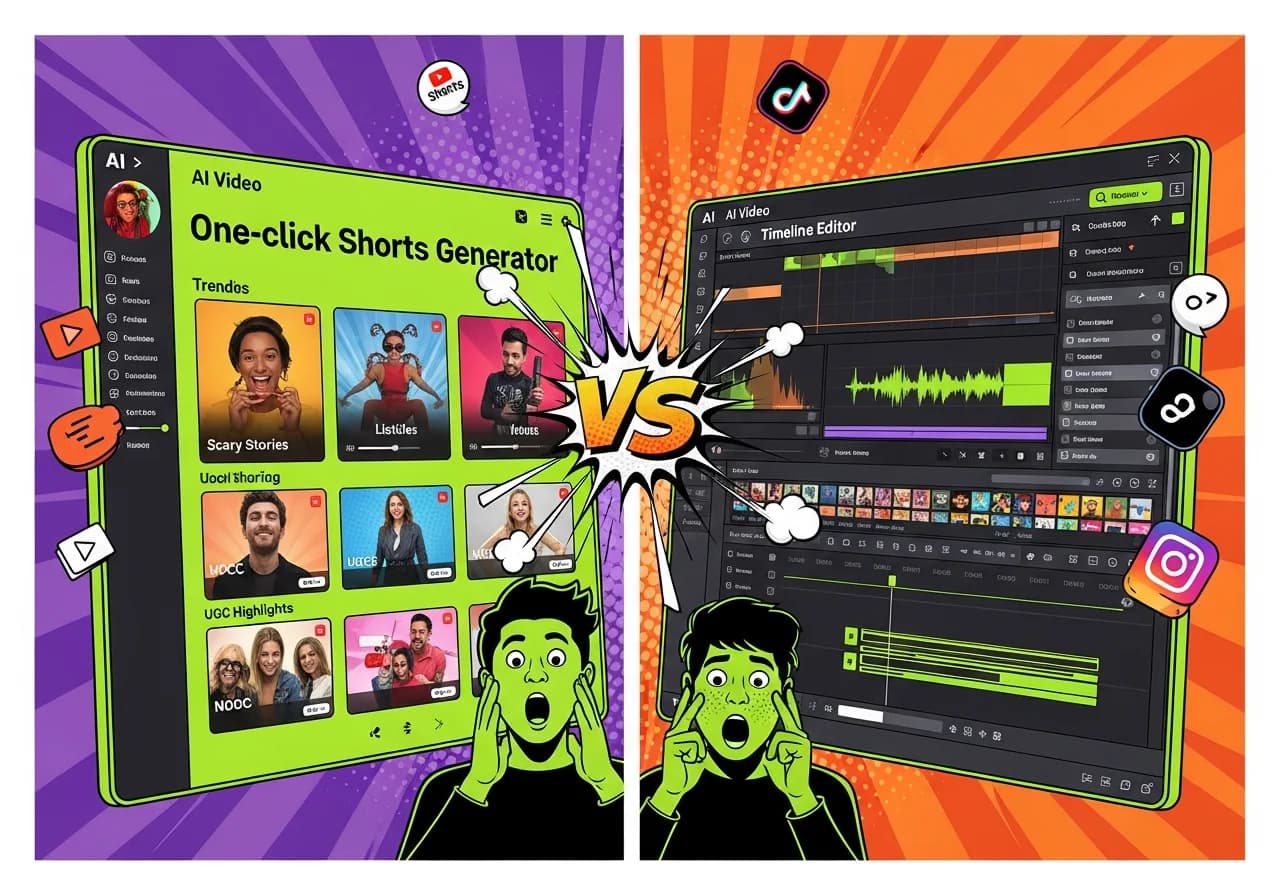
Virvid vs InVideo AI: Best AI Shorts Generator for Faceless Content in 2026
If you're building a faceless shorts channel and need to choose between Virvid and InVideo AI, here's the answer: Virvid is purpose-built for viral short-form content with one-click generation, while InVideo AI offers a massive stock library and deeper customization at the cost of a more complex workflow.
This distinction matters more than ever. Searches for "faceless YouTube video creator" surged 488% in 2025, and YouTube Shorts now sees over 70 billion daily views across more than 2 billion monthly users. The opportunity is massive. Your tool choice determines whether you can actually capitalize on it.
Table of Contents
- Why This Comparison Matters for Faceless Creators
- Feature-by-Feature Breakdown
- Voice Technology: The Hidden Difference
- Pricing Analysis: Flat Rate Versus Credits
- Output Quality: Same Listicle, Two Tools
- When to Choose Which Tool
- How to Create Your First Faceless Short
- The Creator Economy Shift Toward AI
- Making Your Final Decision
- The Opportunity Window Is Now
Why This Comparison Matters for Faceless Creators
The faceless content revolution isn't slowing down. Faceless YouTube Shorts outperform camera-facing content by 30% in productivity and storytelling niches. Meanwhile, 42% of creators now use AI tools for editing, captions, and visual enhancement.
But not all AI tools serve the same purpose.
InVideo AI launched as a general-purpose video platform:
- Text-to-video capabilities for multiple formats
- Excels at flexibility across content types
- Creates explainer videos, marketing content, educational material
- Handles social clips alongside long-form content
Virvid took a different approach:
- Focuses exclusively on viral short-form content
- Trending formats baked directly into the platform
- Purpose-built for TikTok, Instagram Reels, YouTube Shorts
- Optimized specifically for faceless video creation
This fundamental difference shapes everything from voice quality to generation speed to pricing structure. AI isn't a trend anymore, it isn't going back in the box.
The question isn't whether to use AI for shorts creation. It's which tool matches your specific workflow.
The Daily Posting Reality
Short-form video engagement varies dramatically by platform. Here's what the data shows:
- YouTube Shorts: 5.91% average engagement rate (highest)
- TikTok: 5.3% average engagement rate
- Instagram Reels: 1.23% average engagement rate
Videos under 25 seconds account for 68% of total Shorts views, with the sweet spot falling between 50-60 seconds for maximum viral potential.
These numbers reveal why speed matters. To capture algorithmic momentum, successful faceless creators don't publish weekly, they publish daily. That volume requirement eliminates tools requiring extensive manual editing per video.
As covered in our ultimate guide to the best AI shorts generators in 2026, the ability to produce quality content at scale separates channel growth from stagnation.
Feature-by-Feature Breakdown
Before diving into workflow differences, here's how these platforms compare across key specifications:
| Feature | Virvid | InVideo AI |
|---|---|---|
| Creation Speed | Under 2 minutes, script to publish | 5-15 minutes with editing |
| Voice Quality | Format-specific optimization | ElevenLabs v3 integration |
| Visual Styles | Constantly updated trending formats | 16M+ stock clips (iStock, Getty, Storyblocks) |
| Music Library | 1,000+ YouTube-safe tracks | Integrated stock audio |
| Ease of Use | One-click generation | Scene-by-scene editing |
| Pricing Model | Flat monthly rate ($19/mo base) | Credit-based system ($28/mo+) |
| Free Tier | Free credits for new users | Available with watermark |
| Best Use Case | High-volume faceless shorts | Customized video projects |
What Virvid Brings to the Table
Virvid positions itself as a one-click shorts generator, and the platform delivers on that promise. Here's what sets it apart:
Trending formats come pre-built:
- Scary stories with dramatic pacing
- UGC-style ads with authentic voiceovers
- Listicles with numbered visual callouts
- Tutorial formats with step-by-step structure
- Top-three rankings with comparison layouts
- Mini-documentaries with narrative flow
You don't need to understand what's working on TikTok this month, the platform's social media team continuously updates visual styles based on current viral patterns.
Music library advantages:
- Over 1,000 copyright-free tracks
- Sorted by mood and content type
- Eliminates copyright strike anxiety
- Tracks are optimized for trending content
Format-specific voice optimization:
- Scary stories get dramatic narration automatically
- Business tips receive authoritative delivery
- UGC ads sound conversational and authentic
- No manual voice direction needed
Combined with consistent character consistency throughout videos, the workflow genuinely reduces creation to a single click for most use cases. The platform doesn't try to be everything, it tries to be the fastest path from idea to published short.
What InVideo AI Brings to the Table
InVideo AI takes the opposite approach: maximum flexibility through extensive resources. The platform provides access to over 16 million stock clips through partnerships with iStock, Getty, and Storyblocks. If you need footage of a specific concept, location, or scenario, InVideo probably has it.
Key capabilities include:
- AI avatar system: Supports 50+ languages with native pronunciation
- Voice cloning: Replicate your own voice for consistent branding
- Scene-by-scene editing: Text-based commands via "Edit Magic Box"
- Timeline control: Granular adjustments to every element
- Workflow templates: Pre-built structures for different video types
For creators who need deep customization (matching specific brand guidelines, incorporating client assets, or producing multilingual content) InVideo AI's toolkit outpaces simpler alternatives. The platform's capabilities make it particularly strong for agency work and enterprise video production, as discussed in our comparison of the best alternatives to InVideo AI for AI videos in 2026.
Voice Technology: The Hidden Difference
Voice quality makes or breaks faceless content. Your voice is the personality viewers connect with, and generic AI narration kills engagement faster than almost anything else.
InVideo AI's Voice Approach
InVideo AI integrates ElevenLabs Eleven v3, the current industry standard for AI voiceovers. This technology enables:
- Human-like narration in 70+ languages
- Emotion detection and appropriate inflection
- Accent authenticity for regional content
- Premium voices difficult to distinguish from human narration
However, InVideo applies these voices uniformly. A scary story and a business tips video use the same voice engine, relying on user prompts to adjust tone. You need to specify in your text prompt how the voice should sound, which adds a layer of complexity.
Virvid's Format-Specific Voice System
Virvid approaches voice differently through format-specific optimization. When you select a scary story template, the voice automatically adopts:
- Dramatic pacing with tension-building pauses
- Appropriate emotional weight for suspense
- Measured delivery that builds anticipation
- Strategic silence for maximum impact
Business content automatically receives:
- Authoritative, confident delivery
- Professional pacing and clarity
- Trust-building vocal tone
- Clear articulation for educational content
UGC-style ads automatically get:
- Conversational, authentic-sounding narration
- Friend-telling-friend energy
- Casual enthusiasm and relatability
- Natural speech patterns
This matching happens automatically based on your chosen format, no prompting required.
Why Format-Specific Voices Matter
Consider the difference between these scenarios:
True crime narration needs:
- Measured pacing and slight vocal tension
- Strategic pauses for dramatic effect
- Serious, respectful tone
"Amazon finds" UGC video needs:
- Casual enthusiasm and excitement
- Friend-telling-friend authenticity
- Conversational, relatable energy
Motivational listicle needs:
- Confident, uplifting delivery
- Energetic pacing
- Inspiring vocal tone
Generic voice engines require careful prompting to achieve these distinctions. Format-specific optimization handles it automatically, saving both time and the mental overhead of voice direction.
For high-volume creators, this distinction compounds. Twenty shorts per week means twenty voice direction decisions with generic tools, or zero with format-matched systems.
Pricing Analysis: Flat Rate Versus Credits
Here's where the comparison gets complicated, because InVideo AI's pricing isn't what it appears at first glance.
| Plan Element | Virvid | InVideo AI |
|---|---|---|
| Entry Price | $19/month | $28/month (annual) or $35/month (monthly) |
| What You Get | Approximately 30 shorts/month | 50 AI minutes + 10 credits |
| Overage Handling | Upgrade to higher tier | Purchase additional credits |
| Credits Roll Over | N/A (flat rate) | No rollover |
| Actual Cost Per Short | Approximately $0.63 (predictable) | $2-5+ (variable, depends on edits) |
| Free Trial | Free credits for new users | Available with watermark |
Virvid's Straightforward Pricing
Virvid's pricing is straightforward: the Lite plan at $19 per month covers approximately 30 shorts. You know exactly what you're paying and what you're getting. No hidden costs, no credit confusion, no surprises.
The math is simple: $19 ÷ 30 shorts = approximately $0.63 per short.
InVideo AI's Credit System Complexity
InVideo AI uses a dual-currency system of "AI minutes" and "credits." According to InVideo's help documentation, this works as follows:
- AI minutes: Apply to videos using stock media and faceless formats
- Credits: Cover generative AI content
- The catch: Credits are consumed during generation AND editing, even when outputs are unusable
This distinction confuses many users, and credits don't roll over month to month.
The Credit System Complaints
User reviews on independent platforms consistently cite the credit system as a friction point. Common complaints include:
- Credits charged for AI outputs that don't meet expectations
- Credits consumed during the editing process before export
- Modifications requiring additional credits beyond initial generation
- Monthly credit expiration with no rollover option
For faceless shorts creators producing at volume, this unpredictability becomes a budget planning problem. A flat-rate tool like Virvid removes that variable entirely.
Output Quality: Same Listicle, Two Tools
Abstract comparisons only go so far. Let's examine what happens when you create the same 90-second listicle video ("Top 5 Productivity Apps for 2026") in both platforms.
The InVideo AI Workflow
Initial generation (2-3 minutes):
- Enter your prompt into text-to-video generator
- System creates script automatically
- AI selects stock footage from library
- Generates voiceover with ElevenLabs
- Assembles draft video
Editing phase (5-12 additional minutes):
- Review each scene individually
- Replace stock clips that don't quite match your vision
- Search the 16M+ library for better mobile footage
- Adjust voiceover pacing in scene three via Edit Magic Box
- Fix transition flow in scene five
- Fine-tune timing and rhythm
Total time: 8-15 minutes depending on adjustments Quality ceiling: High, assuming you invest the editing time Cost: Variable based on number of edits and credit consumption
The Virvid Workflow
Complete generation process (under 2 minutes):
- Select the listicle format from template library
- Enter your topic and key points
- Platform automatically applies numbered visual callouts
- Adds punchy transitions optimized for listicles
- Includes upbeat background music from curated library
- Generates format-appropriate voiceover
- Applies trending visual style
- Optimizes pacing for current algorithmic preferences
One click generates the complete short
Total time: Under 2 minutes Quality: Consistently aligned with current viral patterns Cost: Predictable per-short rate (approximately $0.63)
When Each Approach Wins
InVideo AI produces better results when:
- You have specific creative requirements that don't match trending formats
- You need footage from a particular geographic location
- You want to incorporate your brand's custom avatar
- You require extensive customization of every element
- You're creating one-off premium pieces
Virvid produces better results when:
- You're optimizing for algorithmic performance at scale
- Speed matters more than pixel-perfect customization
- You want proven trending formats reverse-engineered from viral content
- You're posting daily or multiple times daily
- You need batch production efficiency
The trending formats aren't arbitrary, they're reverse-engineered from what's currently working on YouTube Shorts, TikTok, and Reels. For faceless creators, matching these patterns matters more than creative flexibility.
You can explore how these tools compare against other options in our guide to free AI shorts generator tools in 2026 versus paid premium options.
When to Choose Which Tool
After extensive comparison, here's the decision framework that actually works:
Choose Virvid If You:
- Post faceless shorts 3-5 times daily across platforms
- Value speed over pixel-perfect customization
- Want trending formats without researching what's viral
- Prefer predictable monthly costs with no surprises
- Create scary stories, listicles, UGC-style content, or tutorials
- Need batch production workflow efficiency
- Have minimal editing skills or time
- Want format-specific voice optimization automatically
Choose InVideo AI If You:
- Require specific stock footage for brand requirements
- Need AI avatars or on-screen presenters in 50+ languages
- Want voice cloning for consistent personal branding
- Prefer scene-by-scene editing control over every element
- Create multilingual content with regional accents
- Produce fewer, more customized videos weekly
- Have complex creative briefs requiring flexibility
- Have time to learn the credit system and manage costs
Neither tool is universally superior. They solve different problems for different creator workflows.
The Hybrid Approach
Some creators use both tools strategically:
- Virvid handles: Daily faceless content production (the volume play that feeds algorithmic momentum)
- InVideo AI handles: Occasional premium pieces requiring custom footage or avatar integration
This hybrid model maximizes efficiency while preserving flexibility for special projects. The math works when InVideo AI's credit consumption stays limited to high-value use cases rather than routine production.
For more platform comparisons, check out our analysis of Virvid vs Vid AI or Virvid vs Revid AI.
How to Create Your First Faceless Short
Regardless of which tool you choose, the process follows similar fundamental steps. Here's a platform-agnostic workflow for faceless shorts creation.
Step 1: Identify Your Niche and Format
Successful faceless channels focus tightly. Each format has distinct audiences and optimal structures:
- Scary stories: Supernatural tales, creepypastas, true horror
- Finance explainers: Money tips, investing basics, budget hacks
- Productivity tips: Time management, app recommendations, life hacks
- True crime: Case breakdowns, mystery analysis, cold cases
Pick one and commit for at least 30 days to test algorithmic traction.
Step 2: Script Your Hook in the First Two Seconds
64% of viewers decide whether to continue watching within 2.5 seconds. Your opening line determines everything.
Weak hook: "Today I'm going to talk about productivity apps."
Strong hook: "This app doubled my output in 48 hours."
Use a free AI video script generator or YouTube Shorts script generator to quickly test multiple hook variations.
Step 3: Select Your Generation Tool
For Virvid:
- Choose your format template from the library
- Enter your script or key points
- Click generate
For InVideo AI:
- Input your detailed prompt
- Prepare for the editing phase
- Budget additional time for customization
Step 4: Generate and Review
Check these elements:
- Voice pacing matches content type
- Visual-audio sync throughout
- Overall flow and rhythm
- Caption accuracy and readability
With one-click tools like Virvid, this step is faster. With editing-heavy tools, allocate more review time.
Step 5: Optimize for Platform
YouTube Shorts, TikTok, and Reels have subtle algorithmic differences:
- YouTube Shorts: Benefits from keyword-rich titles, description optimization
- TikTok: Prioritizes trending sounds, hashtag discovery
- Instagram Reels: Values engagement velocity in first hour
Adding relevant hashtags increases visibility by 18% among non-subscribers.
Step 6: Schedule Strategically
Optimal posting times cluster around:
- Weekdays: 6-10 PM in your audience's timezone
- Weekends: 12-6 PM for maximum engagement
Consistency beats sporadic viral attempts. Daily posting signals algorithmic reliability.
Step 7: Analyze and Iterate
Track which formats and topics perform best:
- Monitor watch time percentage
- Track shares and saves (stronger signals than likes)
- Identify which hooks stop scrolling
- Note which formats drive follower growth
Double down on winners. Abandon underperformers quickly. The algorithm rewards rapid iteration.
For specific format inspiration, explore tools like the AI scary story TikTok video generator to see trending structures in action.
The Creator Economy Shift Toward AI
The broader context here matters. 90.9% of consumers don't have a problem with brands using AI-generated videos in marketing. Meanwhile, 62.8% believe AI actually boosts creativity and storytelling.
We're past the skepticism phase. AI-generated content is accepted, expected, and increasingly preferred when it means faster, more consistent output.
The Current State of AI Video Adoption
Key statistics from 2025:
- YouTube Shorts surpassed 70 billion daily views
- Instagram Reels account for 30% of time spent on the platform
- Faceless content outperforms face-to-camera content by 30% in specific niches
- 42% of creators now use AI tools for editing and enhancement
The question facing creators isn't "should I use AI?", it's "which AI workflow maximizes my output quality per hour invested?"
For faceless shorts specifically, this calculus favors specialized tools over general-purpose platforms. The scary story format Virvid provides exists because scary stories follow specific patterns that general AI doesn't automatically replicate.
Specialization wins when:
- The goal is volume production of format-specific content
- You need proven templates that match current trends
- Speed and consistency matter more than customization
Flexibility wins when:
- Requirements vary significantly between projects
- You need access to specific stock assets
- Creative control outweighs production speed
Making Your Final Decision
Both Virvid and InVideo AI are legitimate tools with genuine strengths. The comparison comes down to your specific situation.
If You're Launching a Faceless Channel
If you need to post frequently with minimal time investment, Virvid's one-click workflow and trending format library will save hours weekly. The $19 flat rate for approximately 30 shorts creates budget certainty that InVideo's credit system can't match.
Best for:
- New creators testing faceless content
- Solo creators without editing experience
- Anyone posting 3-5 times daily
- Creators prioritizing speed over customization
If You're Producing Customized Content
If you're creating content requiring specific assets, multilingual capabilities, or AI avatars, InVideo AI's 16 million+ stock library and ElevenLabs voice integration provide flexibility that specialized tools lack.
Best for:
- Agency work with client-specific requirements
- Multilingual content creators
- Creators needing extensive stock footage access
- Projects requiring AI avatar presenters
Just budget for credit variability and expect additional time investment per video.
The Opportunity Window Is Now
The faceless content market will only grow. YouTube Shorts engagement rates now lead all short-form platforms at 5.91%, and the format shows no signs of slowing.
Current market conditions:
- Platform algorithms heavily favor Shorts content
- Faceless formats outperform traditional content in multiple niches
- Creator demand for AI tools surged 488% in 2025
- First-movers in faceless channels are capturing massive audiences
Whichever tool you choose, the time to start is now, while the opportunity gap between AI-accelerated creators and manual workflows continues widening.
Your competitive advantage lies in consistent, high-quality output. Pick the tool that enables your workflow, then execute relentlessly. The creators winning in 2026 aren't necessarily the most talented, they're the ones posting consistently with proven formats that match current algorithmic preferences.
Whether you choose Virvid for speed and trending formats or InVideo AI for customization and flexibility, the key is starting today and iterating based on performance data. The faceless content revolution is here, and early adopters are building sustainable channels while competition remains relatively low.